
Daybud
iOS 1.0 · 把每天的小事留成一段故事
狀態:審查中即將開放
Koncrate · product studio
Koncrate 專注做小而認真的 App:保留記憶、照顧關係、整理靈感,也讓每天的生活多一點從容。
一個品牌,許多產品;每個產品都有自己的用途與資料邊界。
Koncrate catalog
這裡是 Koncrate 的產品總覽。像截圖中的清單一樣,版本與狀態一眼就能看見;點進已公開的產品,繼續了解它。
all products
iOS 1.0 · 把每天的小事留成一段故事
iOS 1.0.4 · 留住一眼就喜歡的畫面
iOS 1.0 · 把在意的事放在身邊

iOS 1.0 · 更理解朋友,也更真誠地關心

iOS 1.0.28 · 把旅行釘在世界地圖上

iOS 1.0 · 讓想法有一個溫柔的入口

iOS 1.2.16 · 在專注與休息之間找到節奏
● 狀態是 Koncrate 目前的整理方式;商店審查與版本資訊仍以各產品發布頁為準。更多產品會持續加入。
Koncrate member
Koncrate 有自己的會員系統。會員登入、帳號與平台服務集中在 Koncrate 會員中心;各個 App 仍然保留自己的功能與資料邊界。
登入會開啟現有的 Koncrate 會員中心;不會因為共用登入,就自動把不同產品的私人內容互相分享。
會員帳號由 Koncrate 集中管理,之後可依產品需要使用。
每個 App 的內容與設定仍以產品本身為準,不跨產品攤開私人資料。
若未來需要同步、分享或 AI 功能,會先說明資料範圍,再由你決定。
Koncrate original · Pinlo
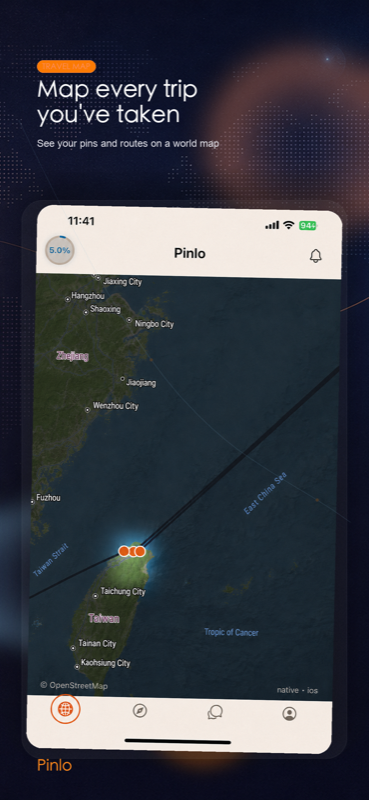
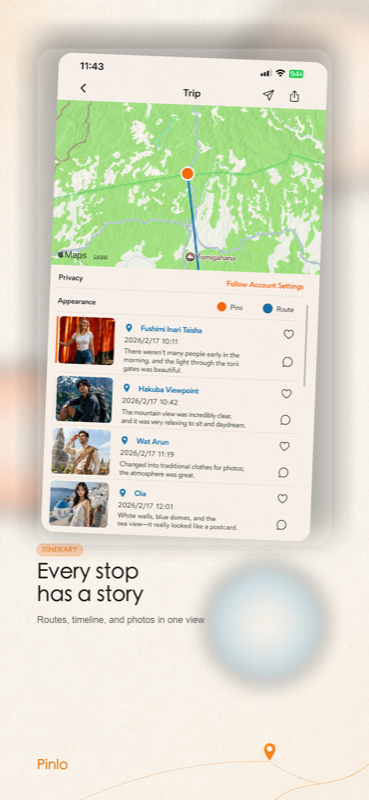
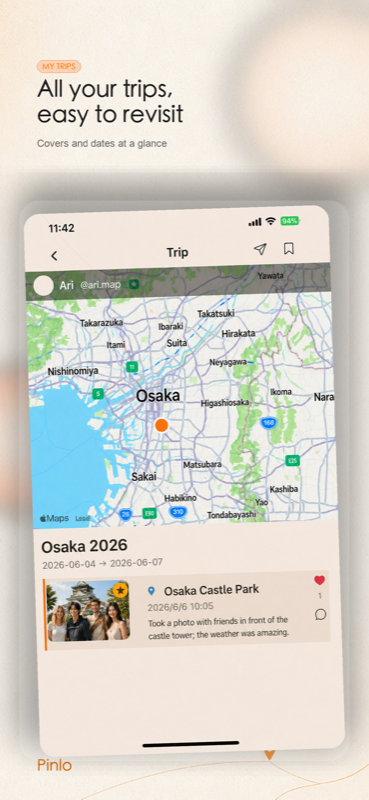
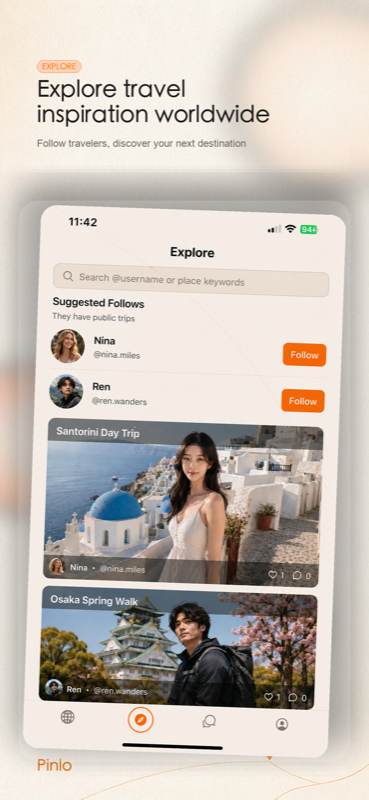
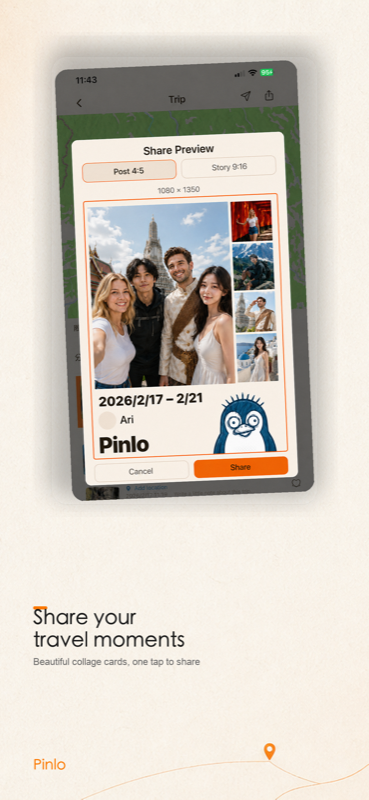
從相簿選出旅程,挑一張封面與幾張代表照片,Pinlo 會把它們變成屬於你的旅行地圖。
Pinlo 的照片與旅程資料仍由 Pinlo 自己管理;可在產品頁查看支援與隱私說明。
how we build
產品可以很多,但對人的尊重只有一套。
每個功能都先回答一個問題:它真的能讓生活更容易被理解或記得嗎?
預設以裝置為中心;需要分享、同步或 AI 時,清楚說明範圍並取得同意。
不把關係變成分數、排行榜或壓力,讓產品陪伴你,而不是催促你。
來信請附上產品名稱、裝置與系統版本;我們也支援中文。
faq
Koncrate 是產品品牌;Pinlo 是 Koncrate 旗下的一個旅行 App。未來其他產品也會在這裡找到。
不會。會員系統主要處理帳號與平台服務;各產品的內容仍各自管理,任何同步或分享都要先清楚告知並取得你的同意。
請前往 Koncrate 會員中心 ↗。這是目前的登入入口。
不會。Pinlo 只會處理你明確選擇加入旅程的照片;其他照片會留在你的裝置上。完整說明請看 Pinlo 隱私政策。